

One page, start to finish: written, read, put away, and found again the next day — to a song. The controls have the sound.
Where to begin
Install
The Mac App Store, a direct download, or a build from source.
The first ten minutes
The window, the sidebar, and the keys worth learning first.
Keyboard shortcuts
Every key, on one page.
Small delights
The little things that move, and where to find them.
What it does, in one screen each
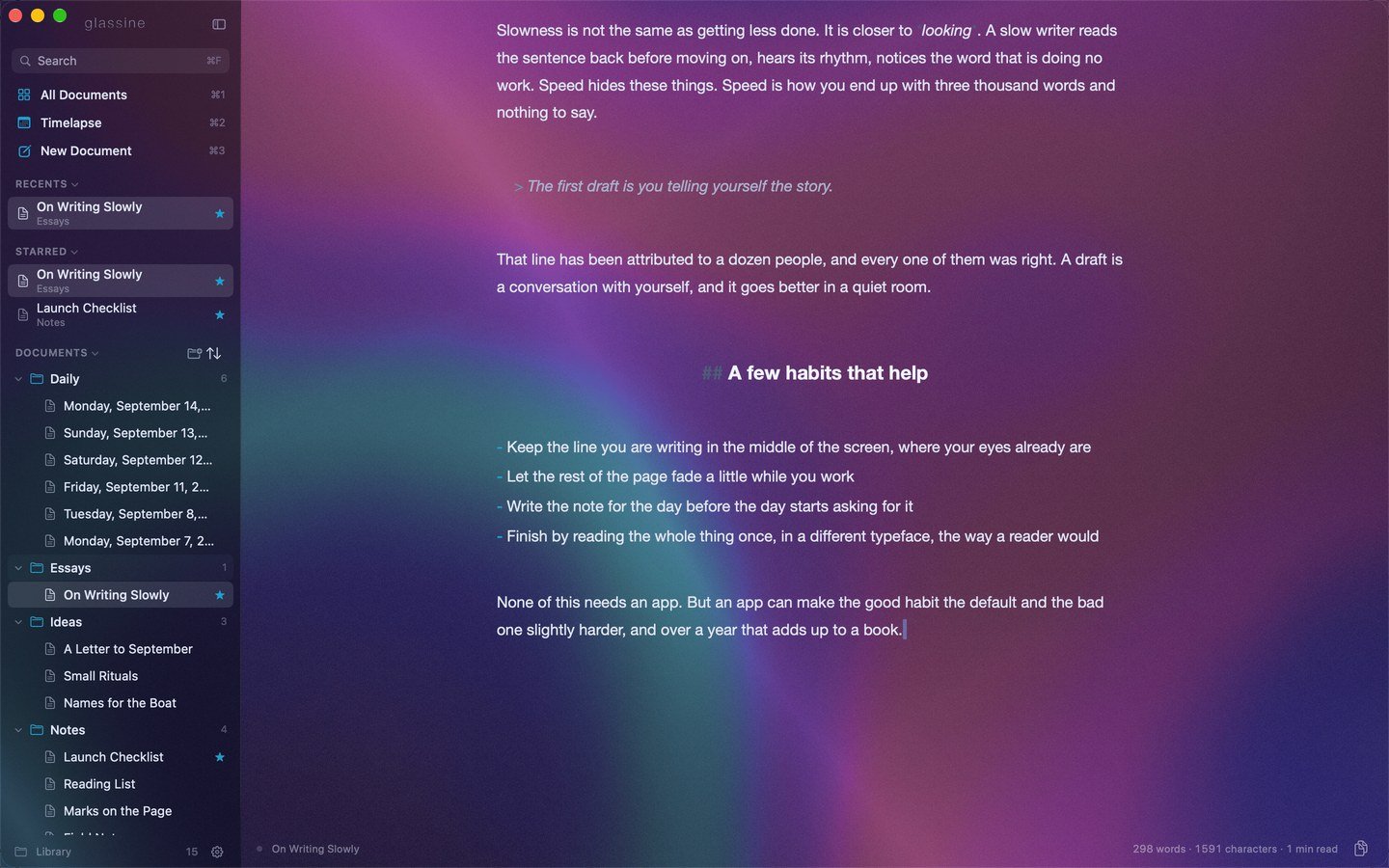
The editor: an essay on dark glass, the library in a sidebar on the left.
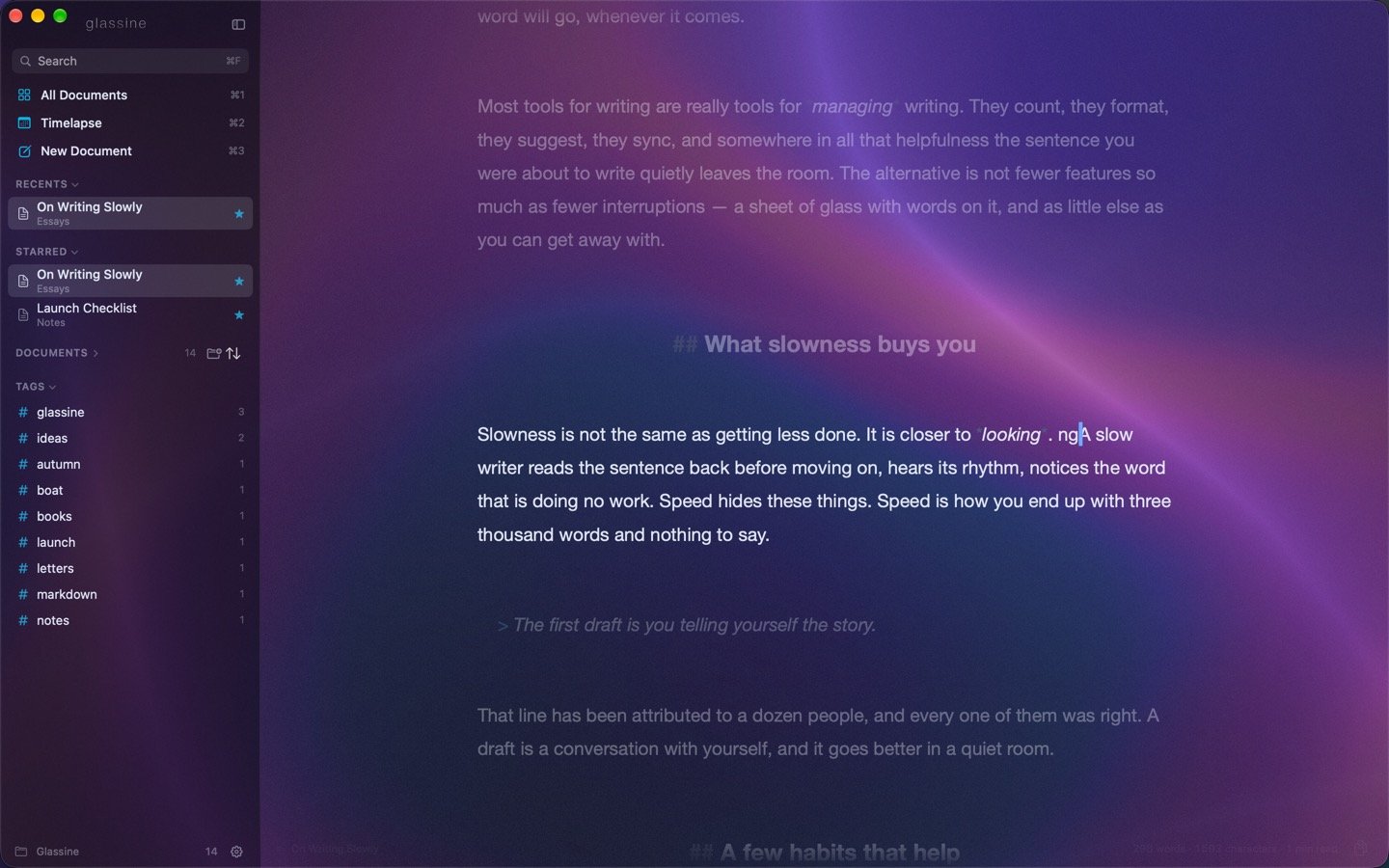
Focus mode with typewriter scrolling: the paragraph being written stays put, the rest steps back.
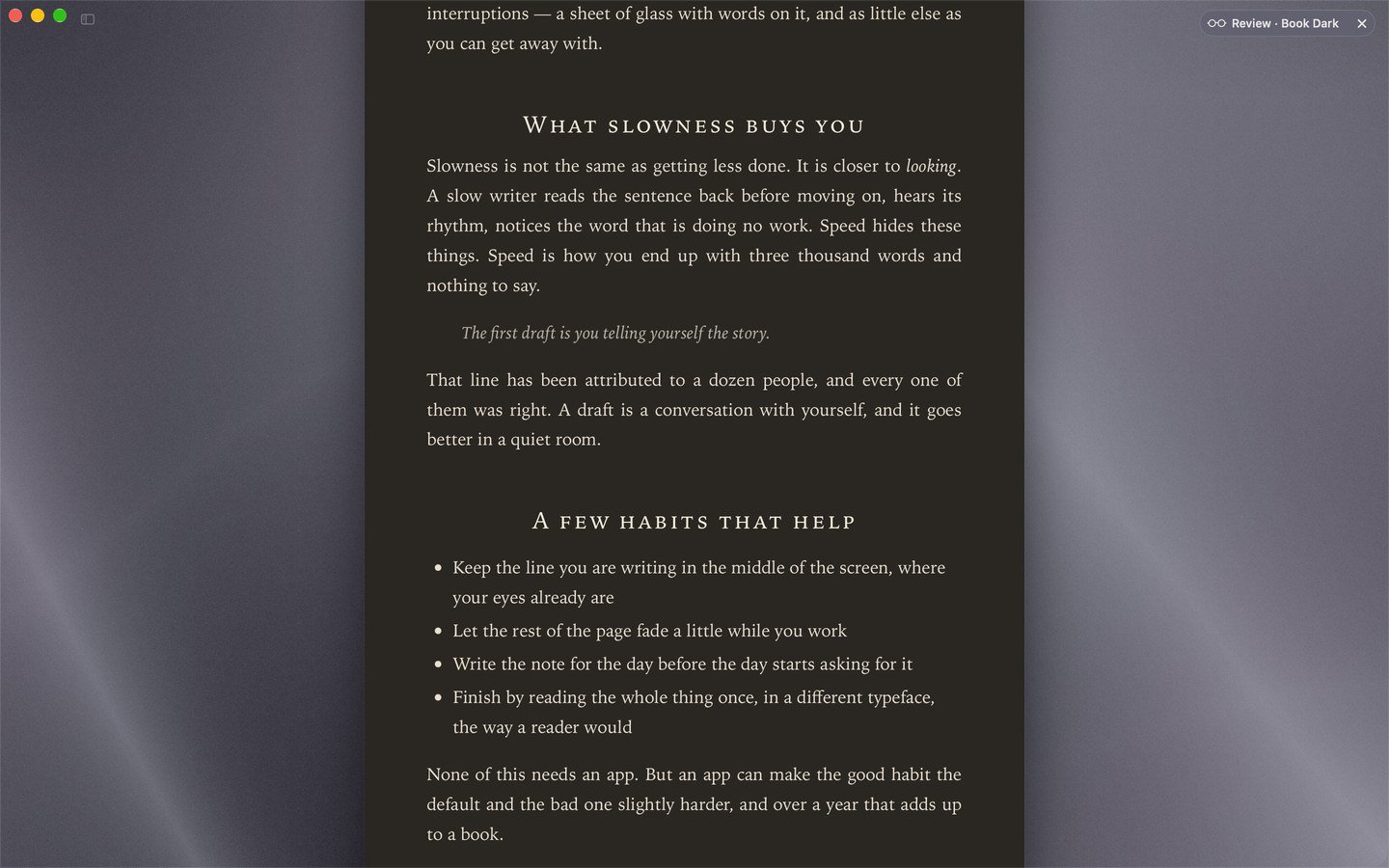
Review: the same document rendered as a finished page, here in the Glass style.
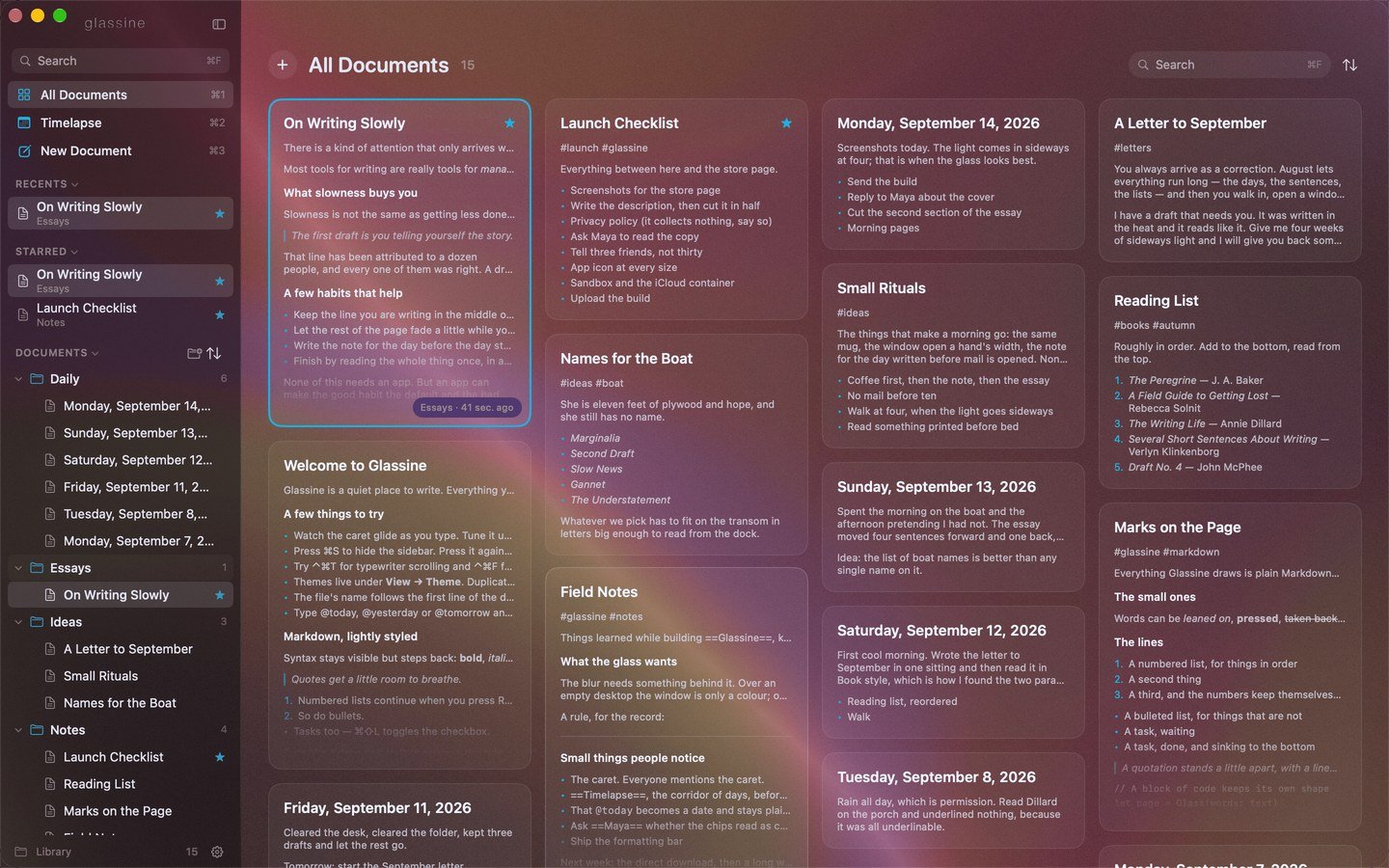
All Documents: the library laid out as a wall of cards.
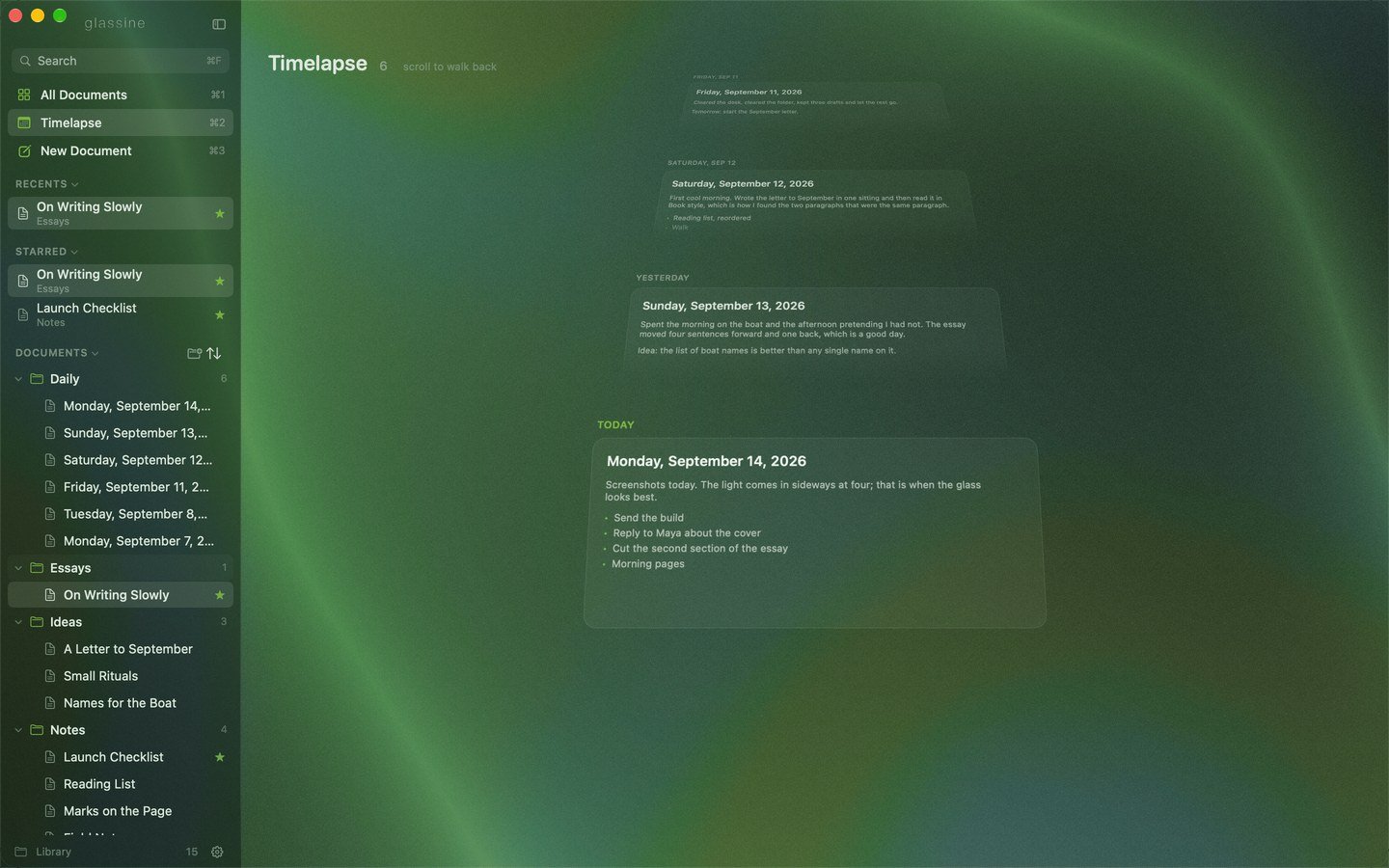
Timelapse: today's note in front, earlier days receding behind it.
The short version
- Glass. The window is a blur of what is behind it, tinted by the theme. Nine built-in themes, dark by default; make your own with live preview and export it as JSON.
- A smooth caret. The insertion point glides between positions. Speed, blink style and width are yours to set.
- A library, not a file picker. Documents live in
iCloud Drive/Glassineas.mdfiles and folders. ⌘N makes one; it takes its name from the first line as you write. - Autosave half a second after you stop typing, and at least every few seconds while you type.
- A sidebar with Recents, Starred, folders, tags and a Shelf, shown and hidden with ⌘S.
- All Documents (⌘1): a mosaic of every document with rendered previews, navigable with the arrow keys.
- Review (⌘↩): the document rendered as a page in one of fourteen styles.
- Typewriter scrolling, focus mode, word count and reading time.
- Markdown, lightly styled. Syntax stays visible but steps back.
- Copy the whole document as Markdown (⌘⇧C) or rich text (⌥⌘C); export it as a PDF (⌘⇧E).