

Typewriter scrolling
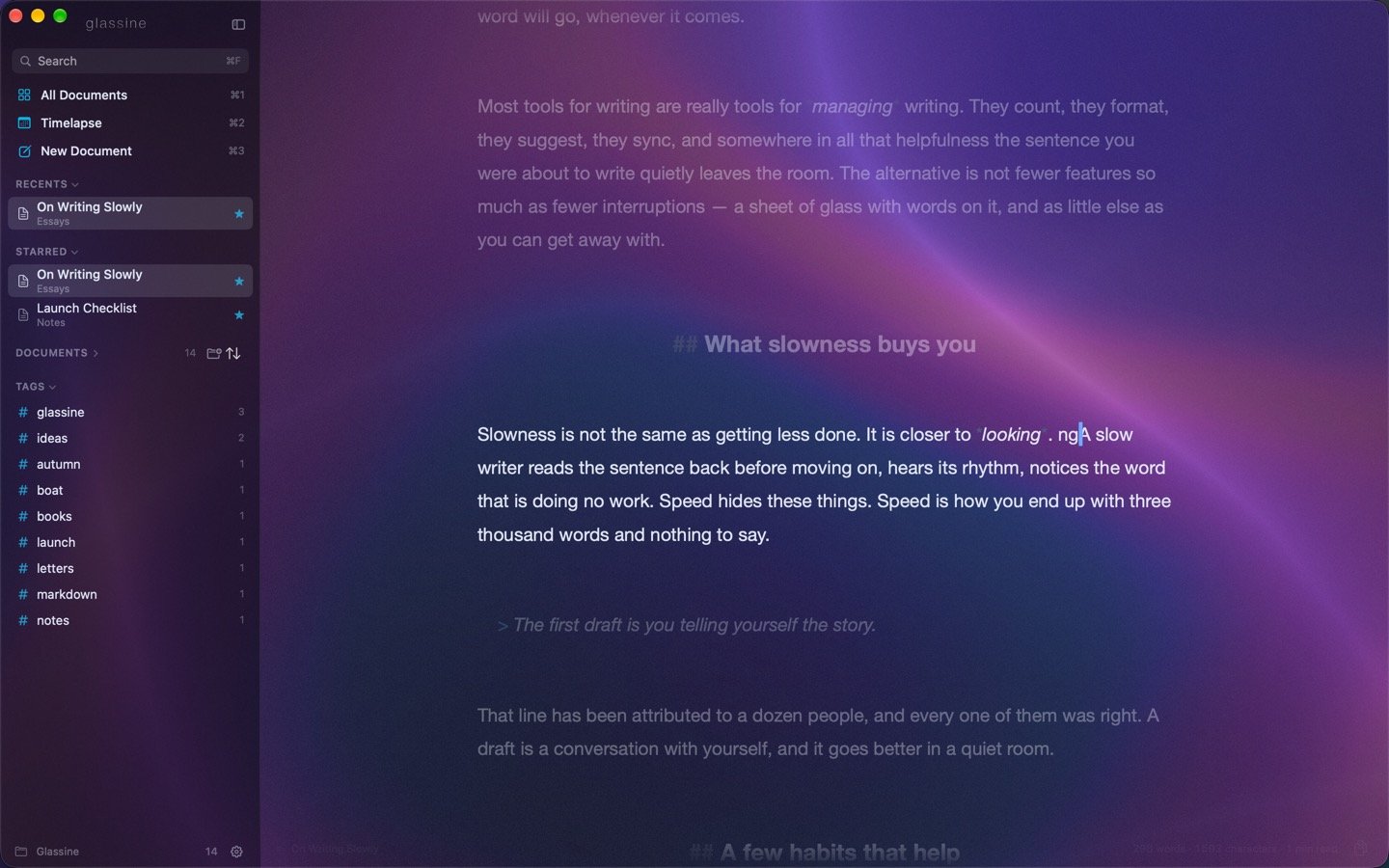
⌃⌘T, or View → Typewriter Scrolling, or the ⌘K command bar. The line you are writing stays at the middle of the window; the page moves under it instead of the caret wandering down the screen. The top margin grows to make room, and the viewport shifts with it so nothing jumps when you switch it on. By default the page re-centers as you type and when you move with the arrow keys, but not when you click — clicking somewhere on the page and having it scroll away is disorienting. Settings → Modes → Also re-center after clicking changes that.Focus mode
⌃⌘F, or View → Focus Mode, or the command bar. Everything except the paragraph you are in steps back. The dimmed text keeps its Markdown styling — headings are still large, links still blue — just darker and less saturated, so the shape of the page stays readable while the words recede.- Focus on — Paragraph (the default) or Sentence, in Settings → Modes.
- Unfocused text — how bright the rest of the page stays, from 100% (no dimming) down to 0% (invisible). The default is 40%.